
.svg) for Chrome browser
for Chrome browserGoogle Chrome extension
To begin, download the Chrome extension's ZIP file. When prompted, save the file in a location that is easy to find, such as your Desktop or Downloads folder.
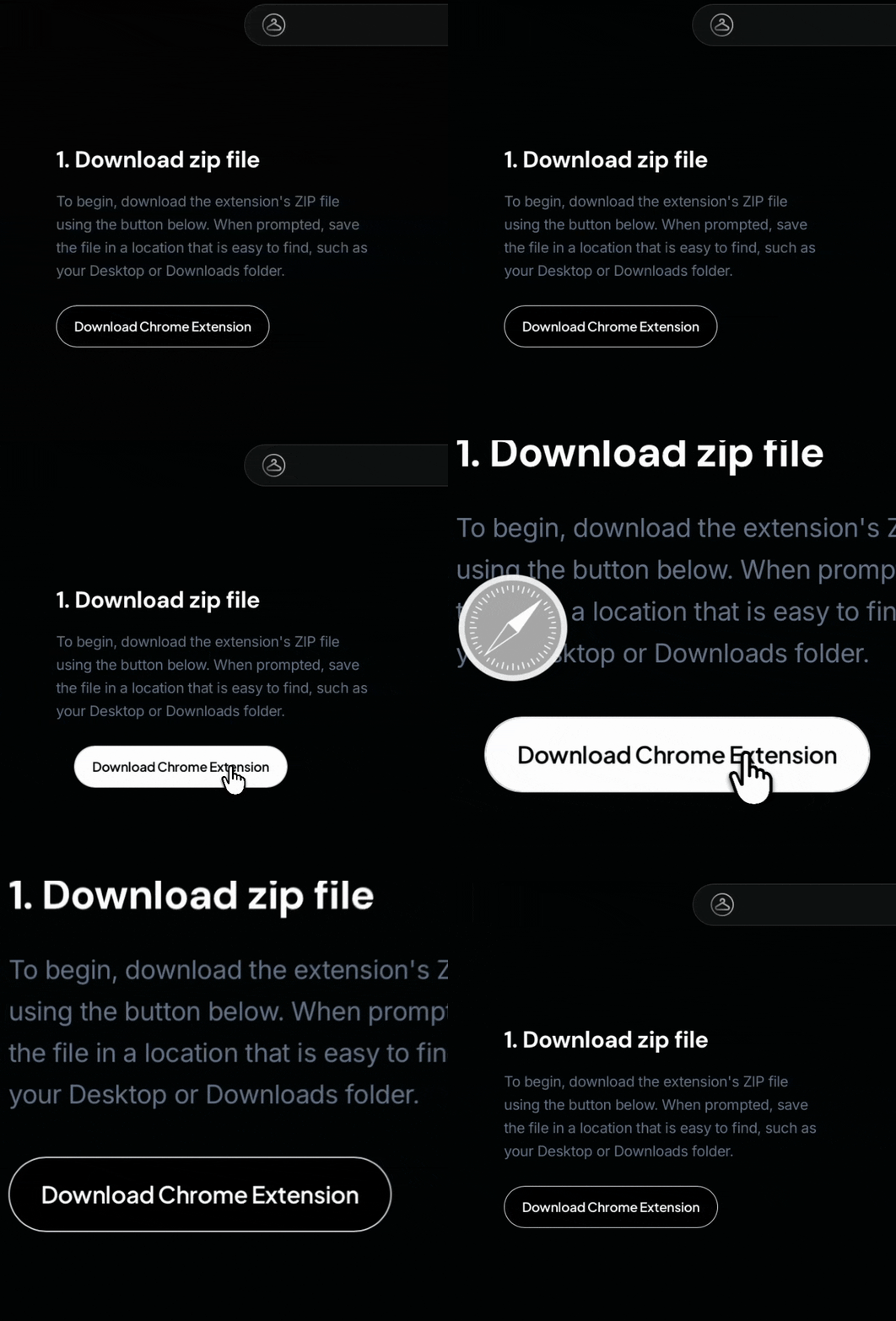
1. Download zip file
To begin, download the extension's ZIP file using the button below. When prompted, save the file in a location that is easy to find, such as your Desktop or Downloads folder.
2. Unzip the file
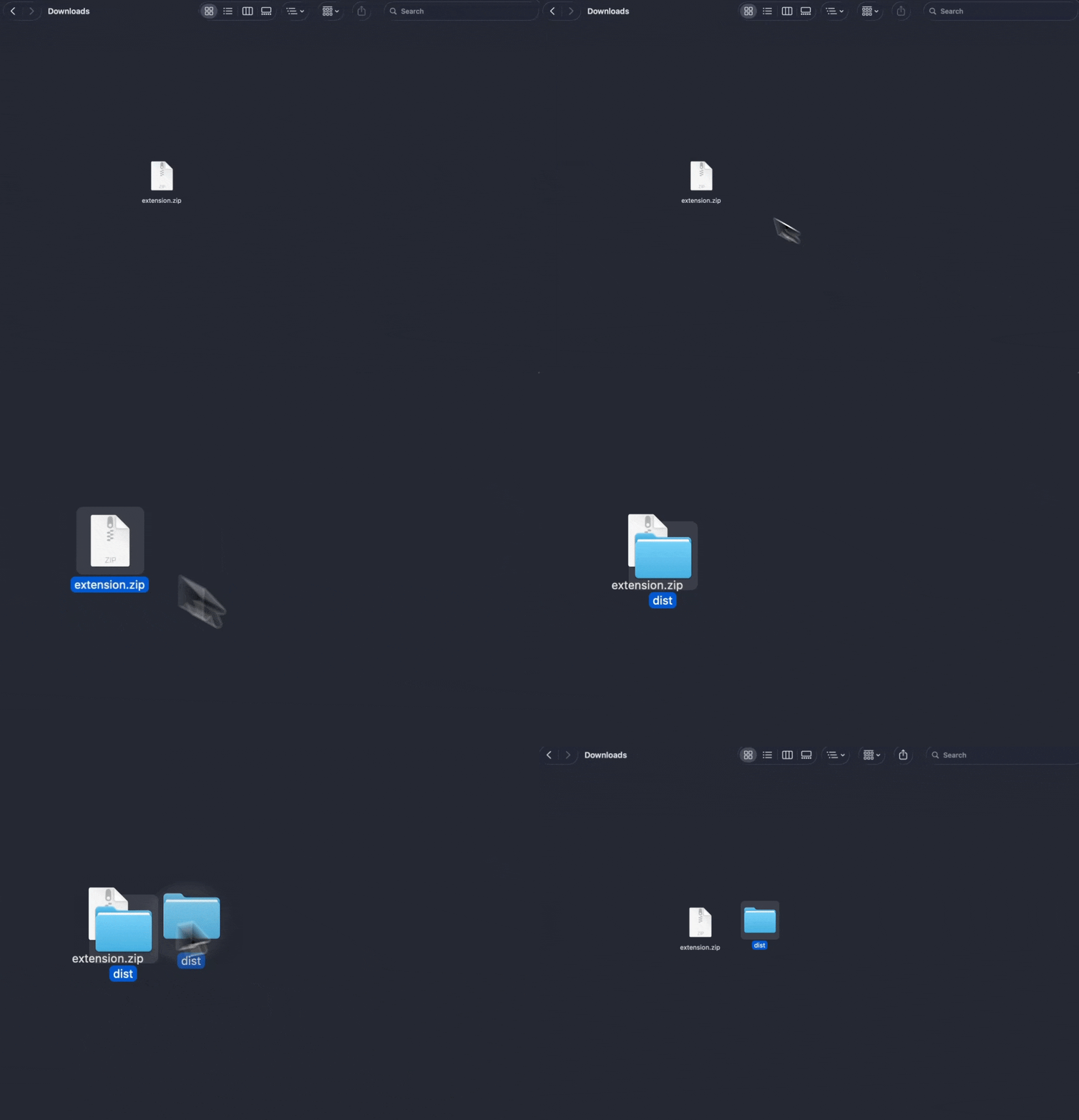
Unzip the downloaded ZIP file and locate the folder called "dist" inside it.
3. Load the extension
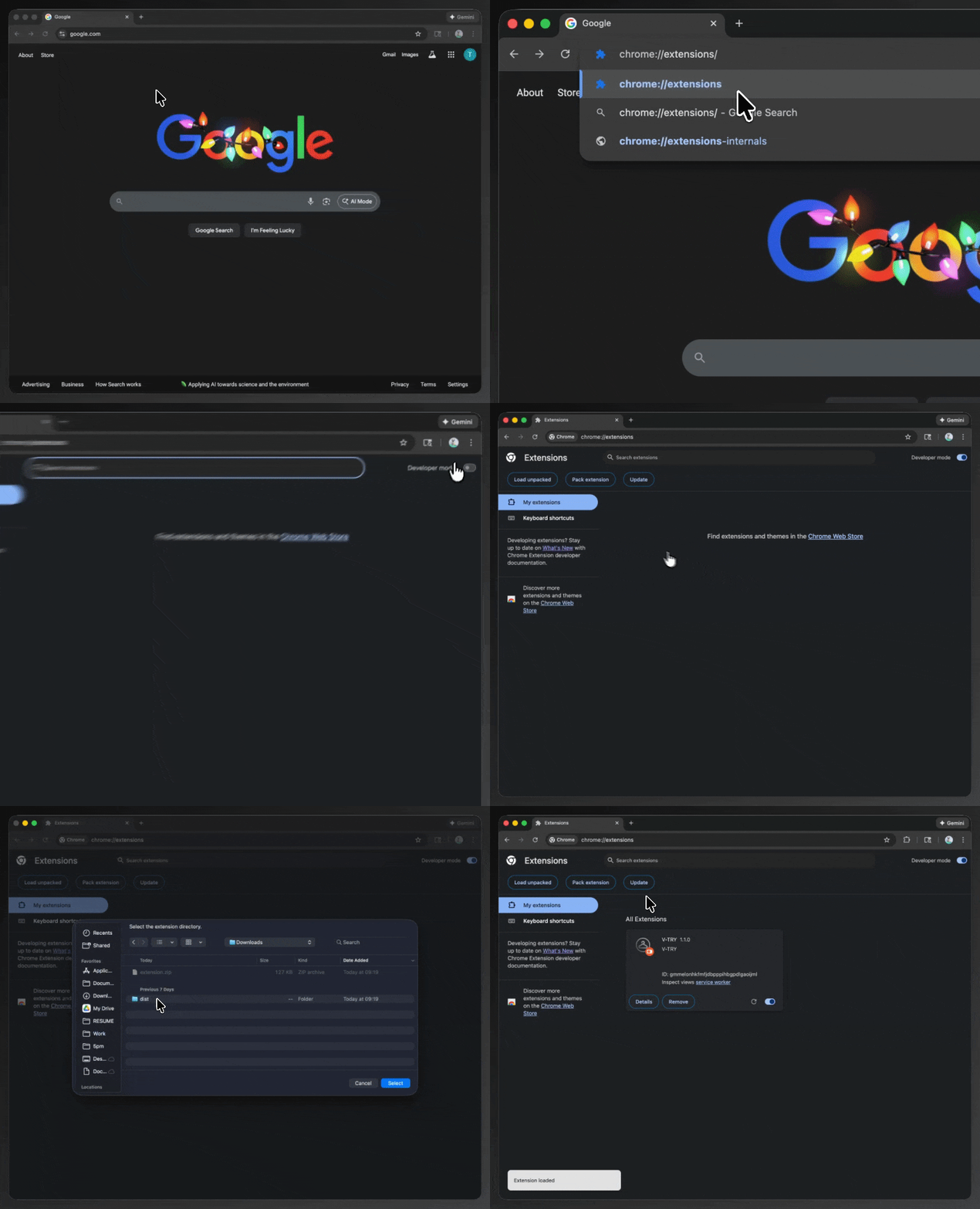
Open Chrome and go to chrome://extensions, then enable Developer mode in the top-right corner. Click Load unpacked, select the dist folder, and Chrome will install the extension immediately.
4. Create Your Profile
Open the extension and sign in to quickly set up your profile and keep your V-TRY experience synced and secure.
5. Generate your Persona
Add a clear photo of your face so V-TRY can create your personalized virtual model for accurate try-ons.
6. Shop Online and Activate V-TRY
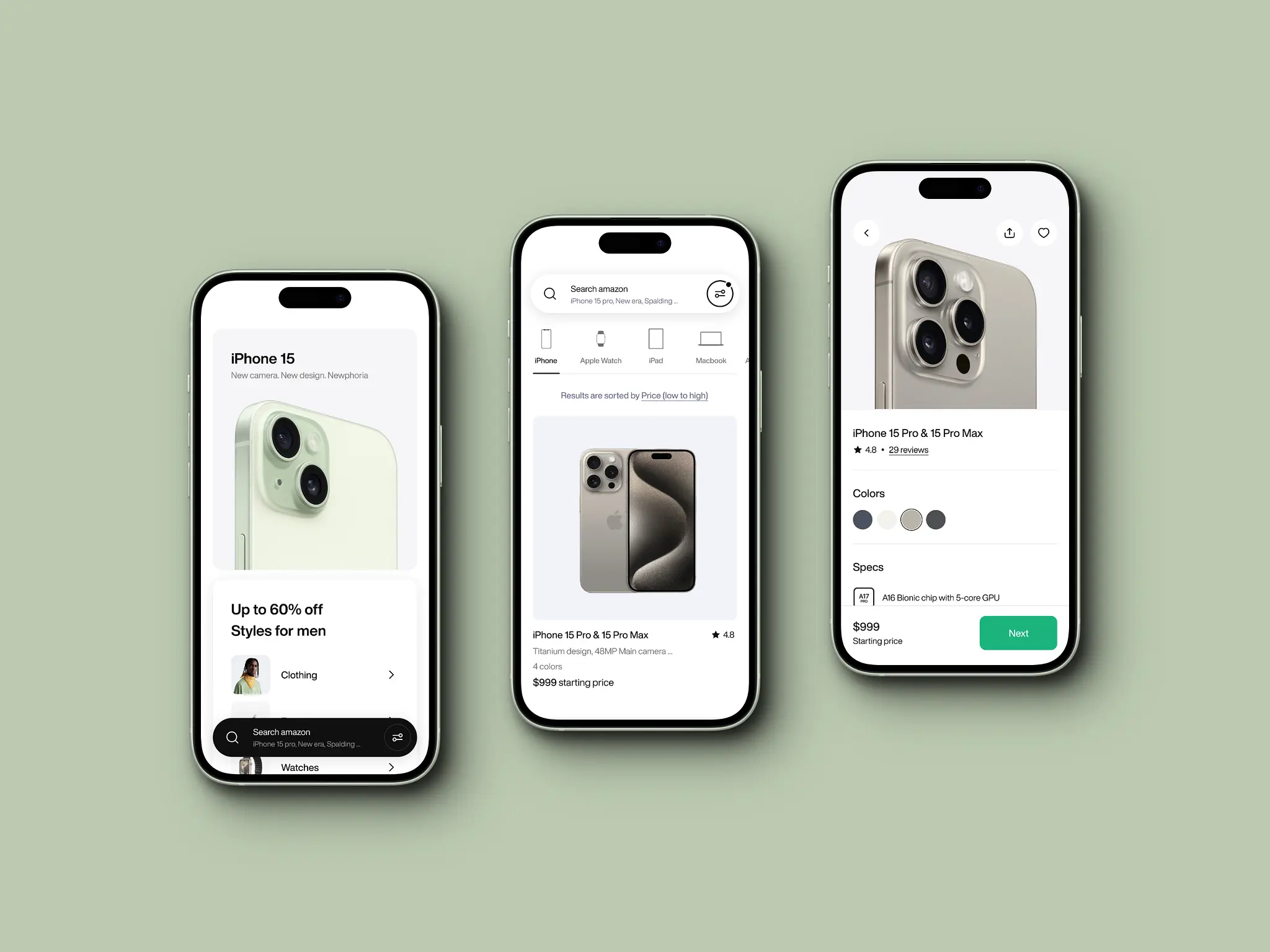
Browse your favorite stores and click the V-TRY banner on product images to preview outfits on yourself.
 for apple safari
Safari Extension
The Safari extension for V-TRY is coming soon. Stay tuned for updates on when you can try on clothes directly in Safari on your Mac.
 For Apple Devices
iOS shortcut
The iOS shortcut for V-TRY is coming soon. Get ready to try on clothes directly from your iPhone or iPad using our native iOS integration.
Text messaging
Send pictures via text message and receive your virtual try-on generations directly to your phone. After logging in, simply text your photos to get instant results.